%20scale(1.05)%20translate(-12,-14.25)'%3e%3cpath%20d='M12%2021s-7.5-4.7-7.5-10.2A4.3%204.3%200%200%201%2012%207.5a4.3%204.3%200%200%201%207.5%203.3C19.5%2016.3%2012%2021%2012%2021Z'%20fill='%23F0384A'%3e%3c/path%3e%3c/g%3e%3c/svg%3e)

Yes, you can get a dating app activity report, and there are fast, simple ways to see recent matches, messages, and activity windows. The catch: some of the “easy” methods people whisper about, like spyware or reading your partner’s private messages, can backfire on you, not them.
You don’t need to snoop to get real answers. You need the right report, read the right way.
- Activity reports can show matches, chats, sends-first-message rate, and when someone was last active.
- Spyware, tracking apps, and reading private messages without permission are illegal in most places.
- CheaterDetectorAI checks public dating profiles only. No phone access. No apps installed on anyone’s device.
Pro Tip: Skip the guesswork. Search their name now and get a report back fast, without ever touching their phone.
Key Takeaways
A dating app activity report can reveal matches, messages, and recent activity, but stick to public-profile scans and official data exports to get one.
| Point | Details |
|---|---|
| Know what’s in a report | Matches, chats, reply time, and last-active flags are the core metrics to check. |
| Get your own data safely | Request “Download My Data” from Tinder or Hinge and handle the ZIP file locally. |
| Read numbers with caution | Small samples and background app refreshes can create misleading flags. |
| Never cross the line | Spyware and reading private messages without permission can lead to criminal charges. |
| Take the shortcut | CheaterDetectorAI scans public profiles only and delivers an encrypted report fast. |
Where to Go for Official Exports and Data Visualizers
- Coffee Meets Bagel’s activity report explainer covers exactly what fields the app tracks.
- Tinder swipe data export guide walks through requesting and reading your own ZIP file.
- Hinge Wrapped turns a Hinge export into visual charts locally in your browser.
- SwipeStats calculates match rates and response times from your export data.
What Does a Dating App Activity Report Actually Show?
A dating app activity report is a snapshot of behavior on a dating profile. It’s not a mind reader. It’s a set of numbers and flags that tell you how active someone has been, and how they respond to people.
Here’s what usually shows up:
- Matches — how many people someone has matched with recently.
- Chats with matches — how many of those matches turned into a real conversation.
- Sends-first-message rate — whether someone reaches out first or waits.
- Active-within-X-hours flag — a marker showing recent activity, not a live tracker.
- Usual reply time — how fast someone tends to respond.
- Swipe and like counts — how much someone is swiping overall.
Some of this comes straight from the app. Coffee Meets Bagel’s activity reports pull from a person’s 15 most recent connections and refresh every 72 hours, covering chats with matches, sends-first-message rate, active-within-72-hours status, and usual reply time.
Other numbers come from third-party tools that read a raw data export and calculate patterns the app itself doesn’t summarize for you, like week-over-week match trends. Neither version updates in real time. If a report says “active within 72 hours,” that’s a window, not a live ping.
How Do You Get the Real Data Yourself?
If you want the actual numbers instead of a guess, you can request your own account data directly from the app. Here’s how it works, step by step:
- Open account settings inside Tinder or Hinge and look for “Download My Data” or “Request My Data.”
- Wait for an email. It usually arrives with a ZIP file containing an
index.htmlpage and structured JSON data. - Open the file locally on your device. Do not upload the full ZIP to a random website.
- Look for daily counters like matches, messages sent, and swipe totals inside the exported JSON data.
- Copy only the totals you need for comparison. Leave the rest of the archive untouched.
Browser-based tools that process files locally, without sending your data to a server, are the safer route for turning that export into something readable.
Pro Tip: If you’re checking your own account for peace of mind, that’s simple. If the account belongs to someone else and you don’t have permission to access it, stop there.
What Do the Numbers in the Report Actually Mean?
Numbers without context lead to bad conclusions. Here’s how to read the common ones:
- Match rate (matches divided by likes sent) tells you how selective someone’s matches are, not how many dates they’re going on.
- Messages per match shows whether matches turn into real conversations or just sit there.
- Sends-first-message rate shows who usually starts the conversation.
- Last active tells you when the account last opened the app, nothing about who they talked to.
- Reply latency (how fast someone answers) can hint at how engaged they are, but a fast reply isn’t proof of anything on its own.
Tools like SwipeStats calculate these rates from raw exports, including right-swipe share, matches per like, and messages per match, giving you a behavioral baseline rather than a verdict.
Small numbers lie easily. Fewer than 100 swipes is not enough data to draw a real conclusion from.
A profile that shows “active 2 hours ago” might just mean the app refreshed in the background. A second account under a different name might belong to a friend testing the app, not your partner. Read every flag with context, not panic.
Common false positives include multiple accounts on the same phone, location changes triggering new activity flags, and background app refreshes that make “last active” look more recent than it really is.
What You Should Never Do to Check on a Partner
Here’s the part that gets skipped in most guides, and it matters more than any metric.
Installing spyware on someone’s phone, reading their private messages without permission, or accessing their device without consent can be a criminal offense. It doesn’t matter how justified you feel. If you get caught, you could be the one facing charges, not them.
What you can do instead:
- Checking public dating profiles for a name, photo, or username.
- Requesting your own account’s export data (never someone else’s device).
- Using a privacy-safe scanning service that only searches publicly visible profiles.
If you’re gathering information, stick to what’s public and keep honest records of what you find. Skip the ambush confrontation.
How Cheater Detector AI Turns This Into a Fast Answer
CheaterDetectorAI works with minimal input from you, like a name and a few details, and runs an encrypted scan across public dating profiles on major platforms. No phone access. No spyware. No apps installed anywhere.
- The report comes back with profile matches, photos, and activity timestamps.
- Everything is encrypted and anonymous. Your partner is never notified.
- Over 5,000 people have used the service, with a 4.9 average rating.
- Optional ongoing monitoring sends you an alert if a new profile pops up later.
| Point | Details |
|---|---|
| Speed matters | You get answers fast instead of waiting and guessing for weeks. |
| Public data only | The scan only checks public profiles, never private messages or devices. |
| Privacy protected | Reports are encrypted, and your partner is never alerted to the search. |
The Truth About Chasing Every Data Point
Most guides on this topic treat activity reports like a courtroom exhibit. They’re not. A reply time, a match count, a “last active” flag: these are clues, not confessions. The mistake I see people make constantly is treating one suspicious number as proof, when it’s really just one data point out of dozens that could explain it.
The conventional advice tells people to become amateur data analysts, exporting files, calculating rates, cross-referencing timestamps. That’s fine if you have the patience for it, but it delays the one thing you actually need: a fast, clear answer.
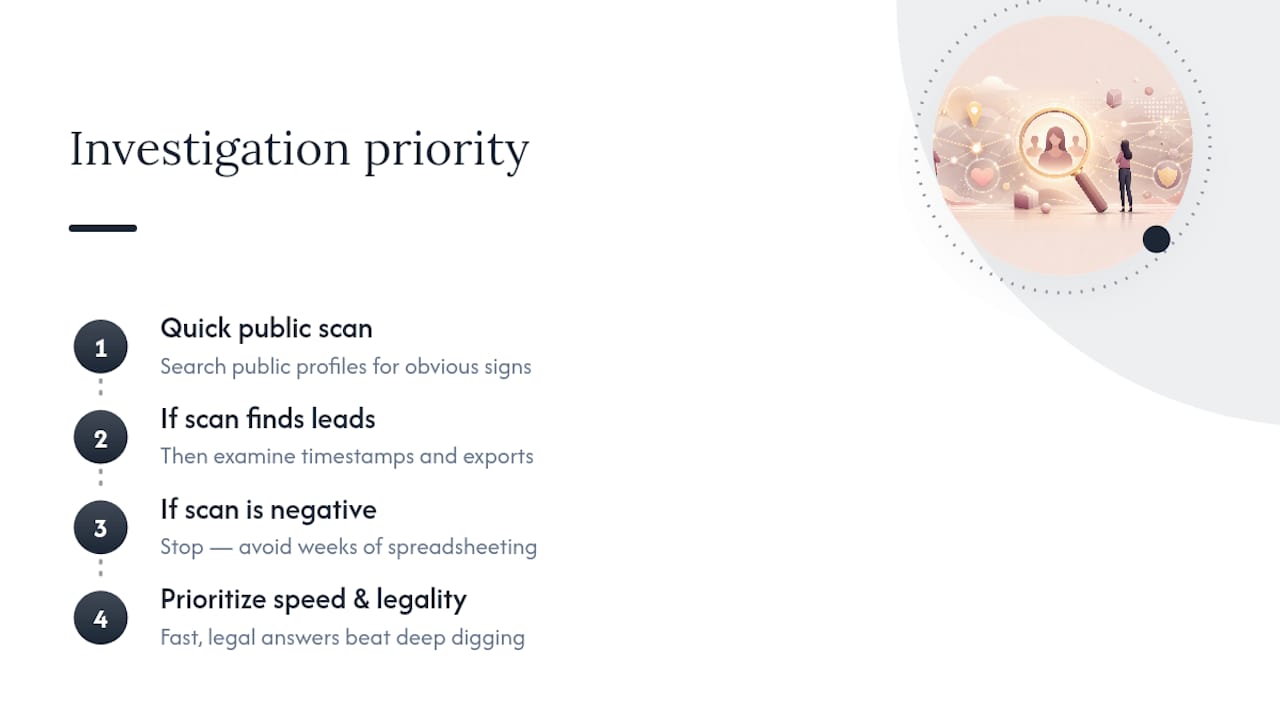
Here’s what I’d prioritize instead. Skip the manual spreadsheet work unless you genuinely want to learn the mechanics. Get a direct scan of public profiles first. If something turns up, then go back and read the details closely. If nothing turns up, you’ve saved yourself weeks of anxious spreadsheet math for nothing.
Speed and legality should come before deep analysis. Everything else is secondary.
— Oleg
Get Your Answer Without Ever Touching Their Phone
CheaterDetectorAI skips the ZIP files, the spreadsheets, and the waiting. You don’t need to request an export, calculate a match rate, or figure out what “active within 72 hours” means. You give minimal information, and CheaterDetectorAI runs the scan for you.
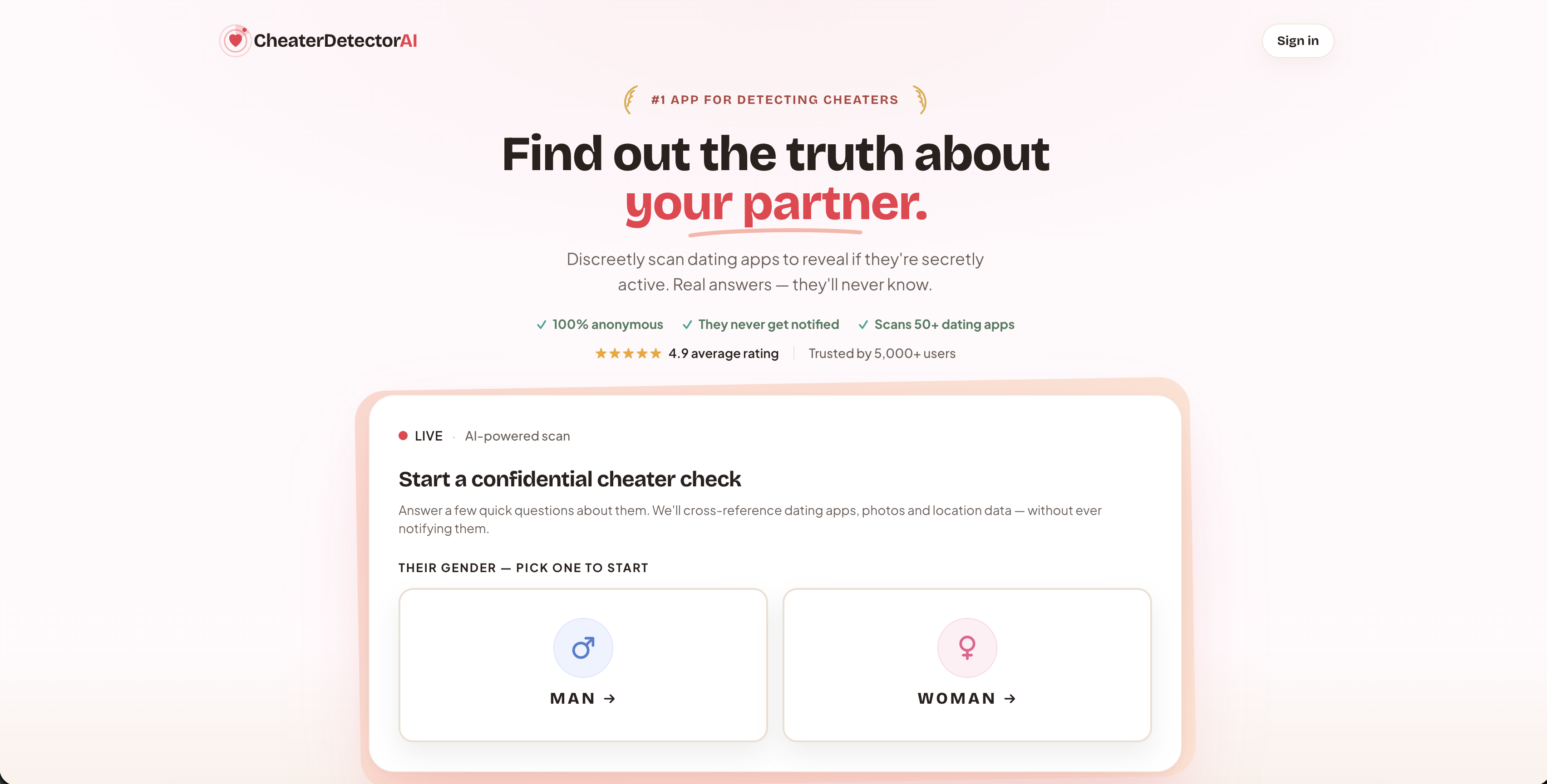
Here’s how it works:
- Enter a few basic details about your partner. No account passwords, no phone required.
- CheaterDetectorAI runs an encrypted scan across public profiles on major dating platforms.
- You get a detailed report back fast, including profile matches, photos, and activity timestamps, with optional ongoing monitoring alerts if anything new shows up later.
Every scan stays anonymous. Your partner is never notified, and nothing touches their device. That’s the difference between this and the snooping methods floating around online: it’s 100% based on what’s already public.
Check their profile today with the Is My Partner on Dating Apps scan, or go straight to the Deep Person Scan for the full report. Search their name now and stop guessing.
Sources
- What is included in the Activity Reports? – Coffee Meets Bagel
- How to Get Your Tinder Swipe Data: Step-by-Step Guide
- Hinge Wrapped — Your Dating Data, Visualized
- Analyze Your Dating App Data | SwipeStats
FAQ
What Is the 3-3-3 Rule of Dating?
The 3-3-3 rule is a dating guideline some people use to pace early relationships: roughly 3 weeks, 3 months, and 3 years as checkpoints for assessing compatibility. It’s not tied to activity reports or app data, it’s a general dating philosophy some daters follow.
Can I Check if My Husband Is on Dating Apps?
Yes, you can check public dating profiles for his name or photos, or use a scanning service like CheaterDetectorAI that searches public profiles across major platforms. You can’t access his phone or private messages without his permission.
How Can I Get Olosho?
This isn’t something CheaterDetectorAI can help with. If you’re trying to verify a partner’s activity on dating apps, a public-profile scan or an official account data export is the safer path forward.
How Do You Check if Someone Is Active on Dating Apps?
You can look at public app-provided activity flags like “last active” or “active within 72 hours” if you have legitimate access to that account, or use a service that scans public profiles for you. Reading someone’s private account without permission is off-limits, so checking a dating app profile the right way means sticking to public information only.
Recommended
- Dating App Activity Clues: What to Check Before You Panic — CheaterDetectorAI
- Tinder Read Receipts and Activity: How to Check Privately — CheaterDetectorAI
- Cheating Statistics on Dating Apps: What the Numbers Miss — CheaterDetectorAI
- Second Phone Cheating? How to Check Without the Phone — CheaterDetectorAI