%20scale(1.05)%20translate(-12,-14.25)'%3e%3cpath%20d='M12%2021s-7.5-4.7-7.5-10.2A4.3%204.3%200%200%201%2012%207.5a4.3%204.3%200%200%201%207.5%203.3C19.5%2016.3%2012%2021%2012%2021Z'%20fill='%23F0384A'%3e%3c/path%3e%3c/g%3e%3c/svg%3e)
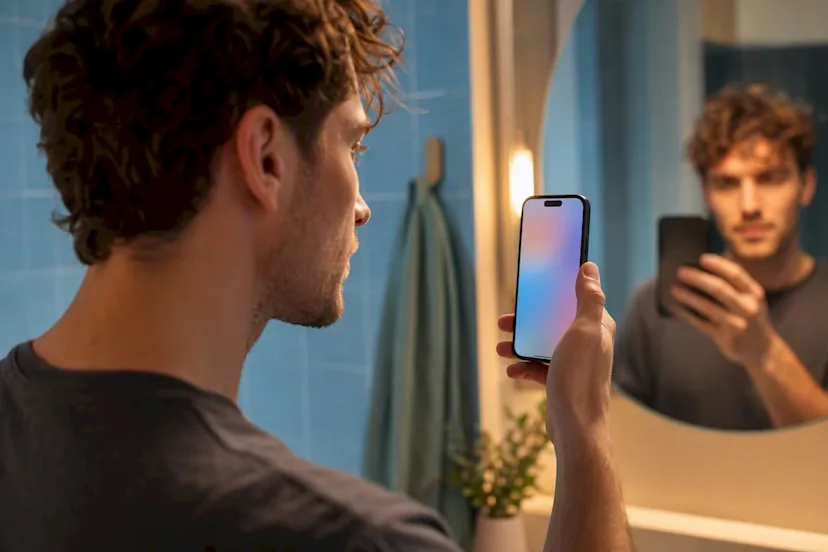
A blue check on a Tinder profile means Tinder matched that person’s photos to a live video selfie, and if they went further, to a government ID too. It does not mean Tinder ran a background check, confirmed the person is single, or promises your safety in any way. This article covers both verification types, how the badge is earned, what happens to the data behind it, and what to do if you need real proof about someone before you trust them.
TL;DR:
- The ID + Photo Verification process checks your government-issued ID and matches the photo to your selfie, adding an identity confirmation layer not present in basic photo verification.
- Rejections typically occur due to poor lighting, obstructions, filters, or profile photo discrepancies, and retaking the selfie in bright light usually resolves the issue.
- Verified badges are retained for the life of the account, along with biometric data and ID copies, unless you delete your profile entirely.
- Verification boosts match chances but does not verify relationship status, criminal background, or trustworthiness beyond a face-to-profile match.
- CheaterDetectorAI offers an alternative method to identify other active profiles across platforms without risking legal issues or invading privacy.
What Does the Tinder Verification Badge Actually Mean?
There are two separate versions of the badge, and they signal different things. Confusing them is easy, and a lot of Tinder users never realize the checkmark comes in two strengths.
Photo Verification is the basic version. Tinder records a short video selfie, checks that it’s a live person (not a photo of a photo or a screen), and matches the face to the pictures already on the profile. This confirms the photos are current and belong to a real, present person.
ID + Photo Verification goes a step further. On top of the video selfie, the person uploads a government ID. Tinder compares the ID photo to the live selfie and confirms the date of birth matches what’s on the profile.
- Photo Verification: badge only confirms “this face matches these photos”
- ID + Photo Verification: badge confirms photo match plus a real identity document
- Both show as a similar blue checkmark icon, so you often can’t tell which level someone completed just by looking
- Availability of ID + Photo Verification still varies by market and rollout phase
Neither version tells you anything about a person’s relationship status, criminal history, or intentions. It’s a photo check, not a character check.
How to Get Photo Verified on Tinder
Getting verified takes a few minutes if your photos are current and clear. Here’s the exact flow.
- Open your profile and tap the gray checkmark next to your name.
- Tap Continue, then allow camera access when prompted.
- Line your face up inside the oval on screen.
- Follow the on-screen prompts, moving your head or blinking as directed, to record the short video selfie.
- Submit and wait. Approved requests usually process in a few minutes.
Lighting kills more submissions than anything else. Sit facing a window or lamp, not with a bright light behind you. Take off hats, sunglasses, and anything covering your face. Keep your expression neutral and make sure you’re alone in the frame, since Tinder needs a clean, unobstructed match.
Pro Tip: Do a practice run in your phone’s camera app first. If your face looks shadowed or grainy there, it’ll fail the liveness check too.
ID + Photo Verification: What Gets Checked and What IDs Work
ID + Photo Verification adds a document check on top of everything Photo Verification already does. Tinder compares the photo on your ID to your facial geometry from the video selfie, then confirms your date of birth lines up with your profile.
Accepted documents typically include:
- A driver’s license
- A passport
- A national ID card, where the market supports it
If you’re in the United States, completing ID verification may also trigger a registered sex offender check as part of the process. Tech coverage has tracked Tinder’s push toward requiring ID uploads in select markets, specifically to cut down on catfishing. This tier is still rolling out in phases, so you might not see it offered on your account yet even if a friend in another city does.
Why Verification Gets Rejected (and When You’ll Need to Redo It)
Rejections almost always trace back to the same handful of problems. Fixing them is usually simple once you know what tripped the check.
Common causes of a failed submission:
- Face partially covered by hair, a hand, glasses, or a hat
- Room too dark or backlit, so the camera can’t read your features clearly
- Video selfie doesn’t match your uploaded profile photos closely enough
- Heavy filters or editing on your profile photos that don’t match your real face
Tinder also forces a re-check in specific situations, not just at signup. Adding new photos, deleting existing ones, or restoring a deleted account can all trigger re-verification, meaning your badge isn’t permanent if your profile changes often.
If your submission gets rejected, retake it in bright natural light, skip any filter apps, use a recent unedited photo as your profile picture, and reach out to Tinder support if the badge still won’t process after two or three honest attempts.
Privacy and Data Retention: What Tinder Keeps After You Verify
Verification isn’t a one-time transaction where your data disappears afterward. Tinder holds onto it for as long as your account exists.
Specifically, Tinder retains:
- Your facial geometry data (sometimes called a face map), kept active for the life of the account to keep the badge valid
- Two screenshots pulled from your video selfie, used for audit purposes
- A redacted copy of your ID, if you completed the ID + Photo tier
You cannot simply toggle the badge off. To remove your verification data, you generally have to delete your account entirely, which also wipes your matches and profile history. That’s the trade-off: a stronger trust signal on your profile in exchange for biometric data that sticks around until you walk away from the app completely.
Is Getting Verified on Tinder Worth It?
For most people, yes, with clear eyes about what it does and doesn’t do. Reported pilot data suggested users who completed ID verification saw a meaningful jump in matches, so there’s a real profile-performance upside beyond just trust.
But the badge has a hard ceiling. It confirms a face, not a full identity, criminal record, or relationship status. Treat it as one input, not a verdict.
Keep this checklist in mind, verified profile or not:
- Always meet new matches in public places for the first several dates
- Share your plans and location with a friend before meeting someone new
- Block and report immediately if someone pressures you to move off the app fast
- Trust inconsistencies you notice, even on a verified account
Pro Tip: A verified badge means the photos are real. It says nothing about whether the person is married, seeing other people, or lying about their name. If you need that kind of certainty, a badge alone won’t get you there.
Where to Draw the Line, and Why Cheater Detector AI Is the Safer Option
If you’re tempted to install spyware, a hidden tracking app, or read your partner’s private messages without permission, stop. That’s illegal in most places, and it can get you criminally prosecuted, not just your partner.
CheaterDetectorAI never touches anyone’s phone. It only checks publicly available dating profiles, and the process is encrypted and anonymous from start to finish. Oleg and the CheaterDetectorAI team built this for people who need real answers, not risky guesswork. Over 5,000 people have used it, with a 4.9 average rating.
Search their name now and stop wondering.
— Oleg
How CheaterDetectorAI Helps When a Badge Isn’t Enough
A blue check tells you Tinder matched someone’s photos to a live face. It doesn’t tell you if that person also has a Bumble account, a Hinge profile, or an active Match.com search running behind your back. That’s the gap CheaterDetectorAI fills.
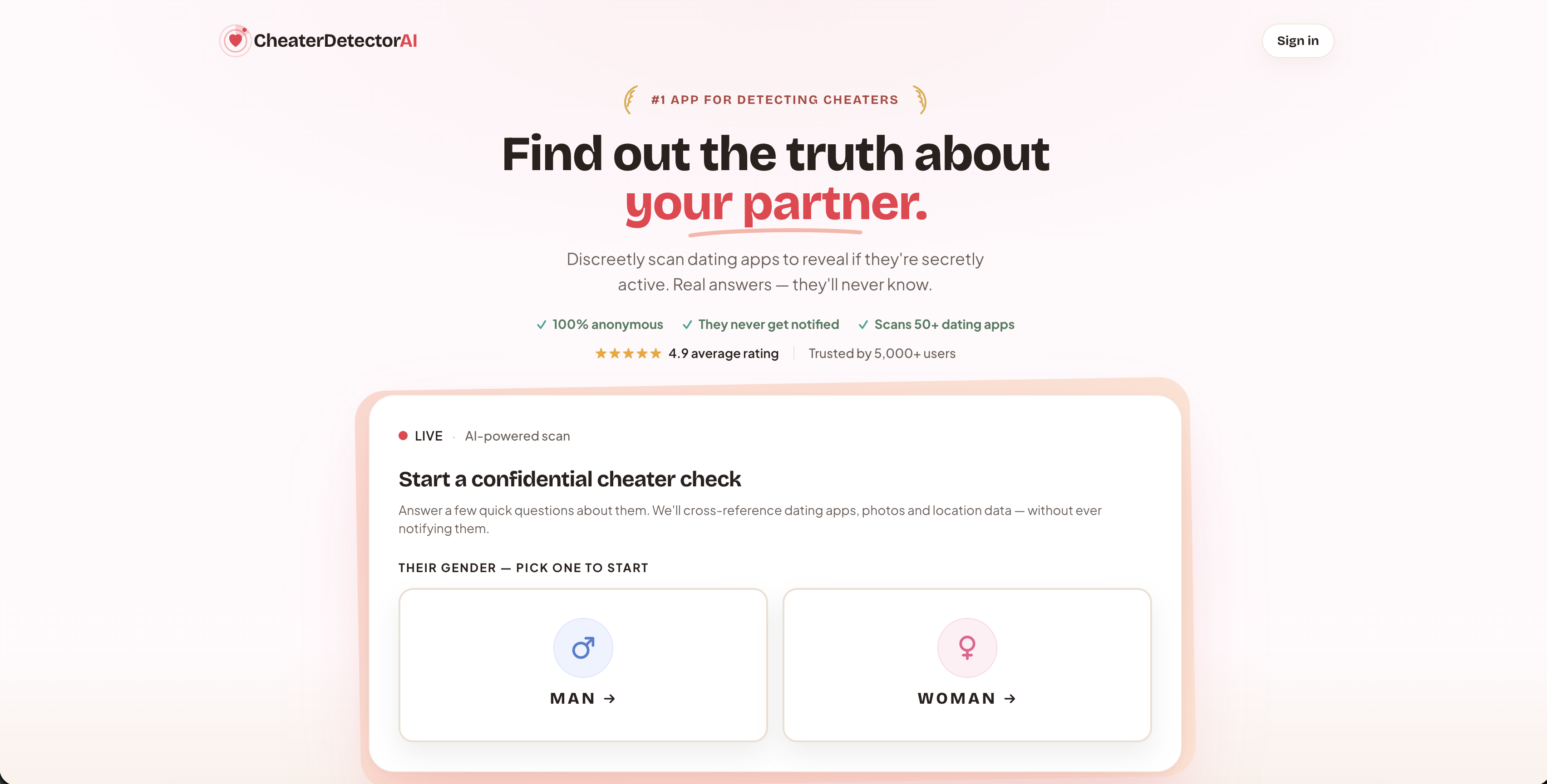
The Deep Person Scan cross-references the details you already know, a name, a photo, a phone number, against active profiles on major dating apps. Add a reverse image search and you can catch a reused photo even if someone’s using a different name on another platform. Every report comes back encrypted, with matched photos and activity timestamps, and your partner never gets a notification.
Check their profile today and get your answer without ever touching their phone. If you’re not sure where to start, the dating app activity checker walks you through it in minutes. Run a safe scan and see what’s actually out there.
Sources
- ID + Photo Verification – Tinder
- Tinder is making it harder to get a blue verification checkmark | The Verge
- Mashable article on Tinder ID verification (reporting engagement lift)
FAQ
Is it worth getting verified on Tinder?
Yes, for most users. It’s a quick trust signal that pilot testing suggested more matches with ID verification, though it never replaces basic dating safety habits.
Why is Tinder forcing me to verify?
Tinder increasingly requires or strongly prompts verification in certain markets to fight catfishing and fake accounts, a shift tech press has tracked closely as ID checks expand.
Why is Tinder struggling to verify me?
Most failures come down to poor lighting, an obstructed face, or a video selfie that doesn’t closely match your uploaded photos. Retake it in bright, even light with no filters.
How hard is it to get verified on Tinder?
Photo Verification is usually quick, often approved within a few minutes if your photos are recent and unedited. ID + Photo Verification takes slightly longer since it also checks a government document.
Can you unverify your Tinder badge?
Not directly. Tinder doesn’t offer a toggle to remove the badge, since your facial data stays tied to your account until you delete it entirely.