%20scale(1.05)%20translate(-12,-14.25)'%3e%3cpath%20d='M12%2021s-7.5-4.7-7.5-10.2A4.3%204.3%200%200%201%2012%207.5a4.3%204.3%200%200%201%207.5%203.3C19.5%2016.3%2012%2021%2012%2021Z'%20fill='%23F0384A'%3e%3c/path%3e%3c/g%3e%3c/svg%3e)
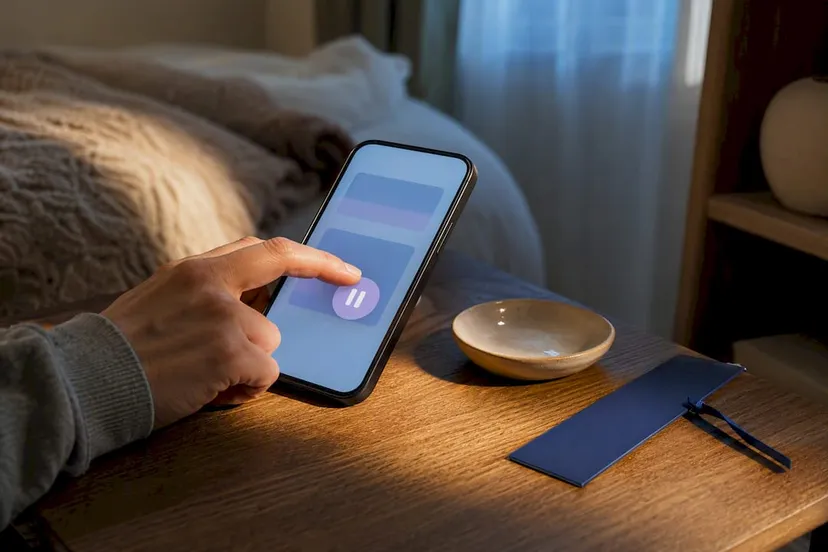
Bumble Snooze Mode hides your profile from new people, keeps your existing chats open, and lets you set a timer for short or extended periods, including several preset durations and an indefinite option. You turn it on and off inside the mobile app. Your subscription keeps billing while you’re snoozed, and matches you haven’t started talking to may quietly disappear.
TL;DR:
- Bumble Snooze Mode only hides your profile from new Discover matches, but does not pause your subscription billing or delete your existing chats.
- It completely removes your profile from the discovery grid for non-matched users and stops all new swipes, but your current matches and messages remain visible.
- Snoozing has no direct notification or alert to your matches, and matches without a conversation may expire silently during your break.
- The feature works solely within the mobile app and cannot be activated or canceled through a browser, requiring extra management for Premium subscription users.
- Tools like Cheater Detector AI can help check whether someone is active on Bumble without invading anyone’s privacy, by scanning publicly available profiles securely and anonymously.
How to Turn On Bumble Snooze Mode (Step by Step)
You don’t need to dig through ten menus to find this. Here’s exactly where it lives.
- Open the Bumble app and tap your profile photo in the bottom corner.
- Tap the gear icon to open Settings.
- Scroll down and tap Snooze.
- Choose a duration from several preset options, ranging from short to longer breaks, or select indefinitely.
- Add an optional Away status so people know you stepped back on purpose.
- Confirm, and your profile goes quiet immediately.
Turning it off is just as fast. Go back into Settings, tap Snooze, and select the option to become visible again. If you picked a timed snooze, Bumble automatically brings you back when the clock runs out.
One catch worth knowing before you start: Snooze Mode only works in the mobile app. If you’re using Bumble in a browser on your laptop, you’ll need to switch to your phone to activate or cancel it.
Another thing people miss. Snoozing your profile does not pause your Bumble subscription. If you’re paying for Premium or Premium+, that charge keeps hitting your card whether you’re active or not. If cost is a concern, consider managing your subscription separately before you snooze.
What Actually Changes While You’re Snoozed
Snoozing doesn’t delete anything. It just pulls your profile out of view for people who haven’t matched with you yet.
- You disappear from the discovery grid, so strangers can’t swipe on you anymore.
- Only people you’re already connected to can still see your profile.
- New matching stops completely. No new likes come in, and you can’t send any either.
- Existing chats stay open. You can keep texting anyone you matched with before hitting snooze.
Here’s the part that catches people off guard: matches without an active conversation may expire while you’re snoozed. If you matched with someone last week and never said a word, that match could vanish before you come back. Bumble doesn’t send a heads up when this happens.
Pro Tip: If there’s someone you matched with but haven’t messaged yet and you actually want to talk to them, send a quick “hey” before you snooze. That keeps the connection active and off the expiration list.
One more detail worth knowing. Bumble has confirmed that your matches are not notified when you turn Snooze off. You won’t get a wave of “welcome back” messages, and nobody gets pinged to check on you either. Coming back is quiet, just like leaving was.
When to Use Snooze and How to Do It Right
Snooze works best when it matches an actual reason to step away, not just a vague “I’ll deal with this later.”
- Travel: if you’re leaving town for a week and won’t be swiping, snooze instead of leaving a stale profile up.
- Work crunch: a busy stretch at work is a fine reason to go quiet for a few days without deleting your account.
- Mental health breaks: dating apps get exhausting. A short snooze gives you room to breathe without losing your matches.
- New relationship pause: if things are getting serious with someone, snoozing signals you’re stepping back on purpose.
Shorter snoozes (24 or 72 hours) barely disrupt your activity. An indefinite snooze is a bigger call, since it’s the setting most likely to let unanswered matches quietly expire over time.
Before you go quiet, send a short note to anyone you actually care about talking to. Something as simple as “Taking a short break from the app, back soon” avoids the awkward feeling of ghosting someone you liked. Bumble’s own Away status feature exists specifically so you don’t have to explain yourself one conversation at a time.
Run through this quick checklist first: save the phone numbers or social handles of anyone you’d hate to lose contact with, reply to the chats that matter most, and decide whether your subscription needs handling separately. If you’re weighing whether a paid scanning tool or subscription-based service is worth keeping active during a break, comparing pricing models for similar subscription tools can help you decide what to pause and what to keep.
Snooze Mode vs. Incognito Mode: Which One Do You Actually Need?
These two features get confused constantly, but they solve different problems.
- Snooze Mode hides you from everyone and stops new matches from happening at all. It’s a full pause button.
- Incognito Mode is a paid Premium feature that hides your profile from people unless you like them first. You can still browse and swipe freely.
If you want to quietly check out who’s on the app without anyone seeing you unless you make the first move, Incognito is the right tool. If you want to step away entirely, matches, swiping, and all, Snooze is what you need. One lets you browse in the shadows. The other turns the lights off completely.
If You’re Doing This Because You’re Worried About Someone
You’re not overreacting. That gut feeling that something’s off doesn’t come from nowhere, and staying quiet about it while your mind runs in circles is exhausting. Not knowing costs you sleep, focus, and peace, and it doesn’t get better on its own.
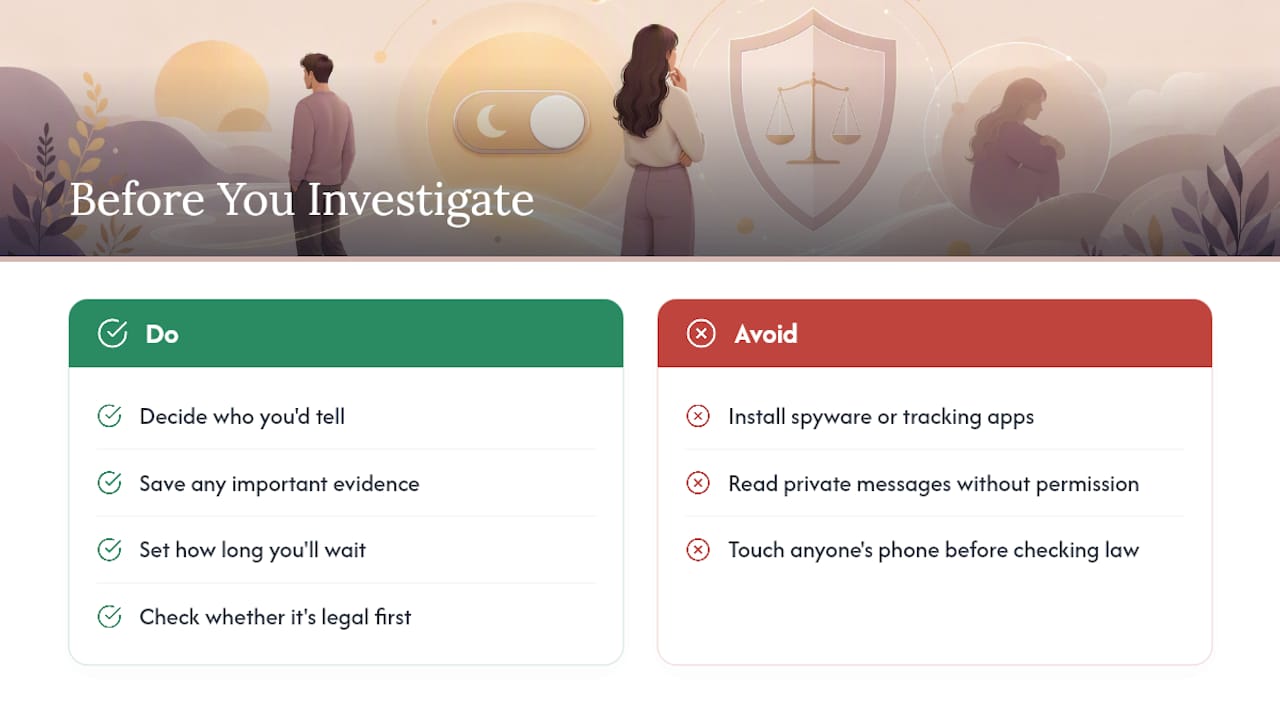
Before you snooze your own profile or start digging for answers, get clear on a few things: who you’d tell if you found something, what you need to save before you make any moves, and how long you’re willing to sit with uncertainty before you act.
Here’s the part you need to hear clearly. Installing spyware, tracking apps, or reading someone’s private messages without permission is illegal in most places, and it usually does more damage to the relationship than whatever you were hoping to find. Checking whether that line applies to your situation is worth doing before you touch anyone’s phone.
— Oleg
How Cheater Detector AI Gives You a Private Way to Check
There’s a simpler way to get answers, and it doesn’t involve touching your partner’s phone. Cheater Detector AI scans public profiles across major dating apps and hands you a clear, encrypted report, no spyware, no hacking, no sneaking around.
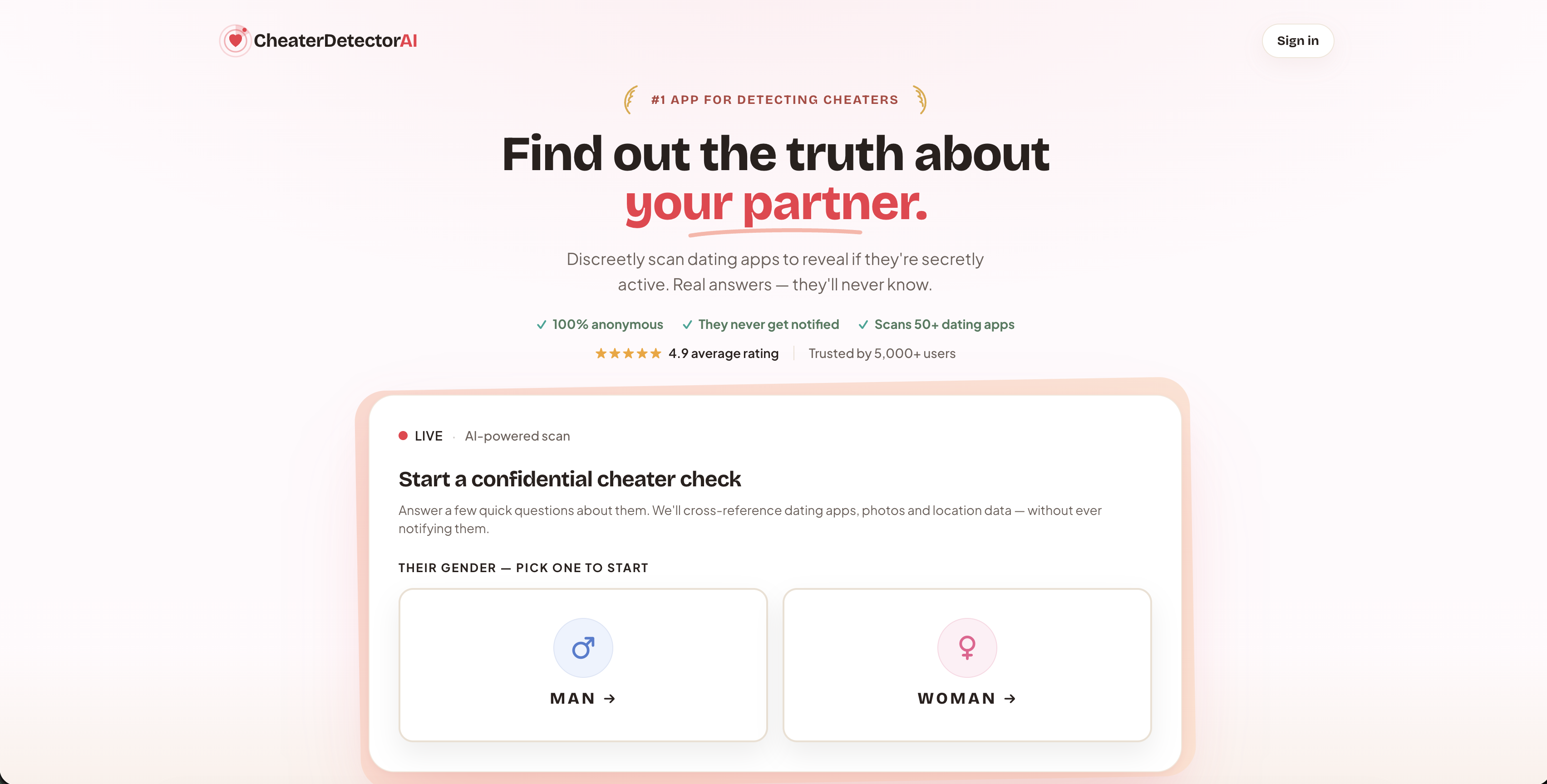
You give minimal details, we do the searching, and everything stays anonymous on your end. The Deep Person Scan checks for active profiles across popular apps and returns:
- Matching profile photos
- Activity timestamps
- Ongoing monitoring with alerts if new activity shows up
If your worry is specifically about Bumble, the Bumble Profile Search tool narrows the check to that platform. Every scan pulls from publicly available information only, and your privacy stays protected the entire time through an anonymous scanning process.
Search their name now and stop guessing about what’s really going on. Check their profile today if Bumble is the app you’re worried about specifically. Get a scan report through Cheater Detector AI and get clear answers instead of guesses.
Where to Confirm These Details Yourself
If you want to double check anything here straight from Bumble, these are the pages that matter most.
- Taking a break from online dating covers Snooze durations and subscription rules directly from Bumble Support.
- Snooze Mode feature page explains the Away status and what stays active while you’re paused.
- Using incognito mode breaks down how the Premium browsing feature works.
- Is My Partner on Dating Apps? is where you go if you’d rather get answers than guess.
Sources
- Taking a break from online dating – Bumble Support
- Snooze Mode | Pause Your Account
- Using incognito mode – Bumble Support
FAQ
What is the difference between Snooze and Incognito Mode on Bumble?
Snooze hides you completely and stops all new matching, while Incognito lets you keep browsing and swiping while staying invisible to anyone you haven’t liked first. Incognito also requires a paid Premium subscription; Snooze does not.
What happens if you like someone on Bumble while in Snooze Mode?
You can’t. Snoozing pauses matching entirely, so swiping and liking are disabled until you turn Snooze off.
How can you tell if someone snoozed their Bumble profile?
You can’t tell directly. A snoozed profile simply disappears from the discovery grid for people who haven’t matched with that person, with no label or notification sent to anyone.
What does a snoozed Bumble profile look like to existing matches?
Existing matches can still see the profile and continue any conversation that was already open. People who never matched with that person won’t see the profile at all while it’s snoozed.
Is it possible to find out if my partner is active on Bumble without accessing their phone?
Yes. A tool like Cheater Detector AI’s Deep Person Scan checks public dating profiles across major apps and sends back an encrypted report without any need for invasive access.