%20scale(1.05)%20translate(-12,-14.25)'%3e%3cpath%20d='M12%2021s-7.5-4.7-7.5-10.2A4.3%204.3%200%200%201%2012%207.5a4.3%204.3%200%200%201%207.5%203.3C19.5%2016.3%2012%2021%2012%2021Z'%20fill='%23F0384A'%3e%3c/path%3e%3c/g%3e%3c/svg%3e)
Short answer: Hinge shows a neighborhood or area name that your partner saved, not a live GPS map of where he or she is standing right now. That label comes from Hinge’s own help documentation, and research from KU Leuven shows how much (or how little) real location data dating apps expose. A mismatch usually means an old setting, not tracking.
TL;DR:
- Hinge displays a saved neighborhood or area name, not a live GPS map, and updates only when the user manually changes their location setting.
- Location labels are pulled from Google Maps and may be outdated or inconsistent, reflecting a static snapshot rather than current movement.
- Changing the location requires deliberate steps: opening the profile, editing it, and choosing between GPS-based or manual input, with no automatic refresh or real-time tracking.
- Most location mismatches stem from old, intentionally broad, or outdated settings, not from app tracking or GPS errors.
- Public tools like CheaterDetectorAI can legally verify active dating profiles without access to private data or covert methods.
What shows up on a Hinge profile
You can see two location fields on Hinge: Location and Hometown. They mean different things, and mixing them up causes a lot of unnecessary worry.
Location is the compass icon area. It shows the neighborhood or general area your partner set, either by using their phone’s GPS or by typing it in manually. Hometown is separate. It is just a label someone picks to show where they grew up or feel connected to, and it has nothing to do with where they are right now.
Here is what actually appears on a profile, according to Hinge’s location settings guidance:
- A neighborhood or area name, never a street address or exact pin.
- Names pulled from Google Maps, which can occasionally lag behind reality or use an odd label for a neighborhood boundary.
- No live tracking feed. What you see is whatever was last saved, not a minute-by-minute update.
That last point matters most for worried partners. If your partner’s profile says a certain neighborhood, that does not mean he was there five minutes ago. It means that is the location value stored on the account, possibly set weeks or months earlier.
Google Maps naming is part of why some profiles look confusing. Hinge does not invent its own neighborhood boundaries. It borrows labels from Google Maps, and those labels are not always current or precise. A neighborhood might get renamed, a boundary might shift, or an area might simply have an unusual name that Google itself has not updated. None of that reflects anything your partner did.
What Hinge does not show is just as important as what it does. There is no exact address, no continuous location trail, and no way for another user to watch someone move in real time. The app is built around approximate area matching, not surveillance. That is a deliberate privacy choice by the platform, not a loophole.
If you are trying to figure out why a Hinge location looks off, the first thing to rule out is confusion between Hometown and Location. People often list a hometown from years ago, which has zero connection to where they live or travel now. Before you read anything into a mismatch, check which field you are actually looking at.
How to change or update your Hinge location
If your partner’s location on Hinge changed, it did not happen automatically. Someone has to open the app and walk through a specific set of steps. Knowing that sequence helps you understand what a location change actually requires, according to Hinge’s edit profile instructions.
- Open the app and tap the profile photo icon.
- Tap the pencil icon to enter edit mode.
- Scroll to My Vitals, where personal details like location live.
- Tap Location to open the editing options.
- Choose the compass icon to pull current GPS coordinates from the device, or use the map or search field to type a city, neighborhood, or ZIP code, or drag the pin manually.
- Save the change.
That is the entire process. There is no background syncing and no automatic refresh tied to travel or movement.
The compass option and the manual option work very differently, and the difference matters if you are trying to make sense of what you saw. The compass pulls the phone’s actual GPS position at the moment someone taps it, which requires the app to have location permission turned on. Manual entry skips GPS completely. Someone can type any city, any neighborhood, or drop a pin anywhere on the map, whether or not they have ever been there.

That second option is worth sitting with. A person can set their Hinge location to a city three states away without ever leaving their couch. Whatever gets saved is what other users see, permission granted or not. There is no verification step checking whether the entered location matches reality.
Pro Tip: If a location looks unusual, remember it reflects a saved setting, not a live check-in. Treat it as one data point, not proof of anything.
Understanding this sequence is useful for one reason: it shows how easy it is for a location to be outdated, misleading, or simply wrong without any dishonest intent. Someone might set their location once during signup and never touch it again, even after moving twice.
Why a Hinge location might look wrong
Most location mismatches have boring explanations. Before you assume the worst, walk through the common, non-malicious reasons a Hinge profile shows a location that seems off.
- Stale settings: Hinge does not refresh location automatically, so whatever was saved during signup or the last manual edit stays put until someone deliberately changes it, per Hinge’s own guidance.
- Privacy choices: some people intentionally broaden their area or leave an old neighborhood listed because they do not want to advertise their exact current location to strangers on a dating app.
- Google Maps naming quirks: a neighborhood boundary or label can be outdated or unusual, which makes a profile location look different from what a person would call their own area.
- Permission nuances: if location permission is denied at the phone level, the compass option simply will not pull current coordinates, pushing people toward manual entry instead.
- VPN confusion: a VPN changes internet routing, not GPS hardware. It does not silently alter what a saved dating profile shows.
That last point trips up a lot of people. VPN use gets treated online as some kind of location-masking trick for apps, but Hinge’s displayed location comes from what was manually saved or pulled through the compass, not from live internet routing. A VPN has nothing to do with the neighborhood name sitting on someone’s profile.
The bigger picture here is that a location field on a dating profile is a snapshot, not a log. It captures one moment when someone opened the edit screen and hit save. Everything after that is silence until the next edit. A profile can sit unchanged for months while the person behind it moves apartments, changes jobs, or travels repeatedly.
Pro Tip: Before reading into a location, ask whether the profile has been updated recently at all. A frozen setting from months ago tells you almost nothing about the present.
This is exactly why a location label alone is such a weak piece of evidence. It cannot tell you when it was set, whether GPS or manual entry produced it, or whether the person even remembers what it currently says. Treating it as proof of deception (or proof of innocence) misreads what the feature is designed to do, which is rough matching, not tracking.
What research reveals about dating app location risks
For a while, dating app location data was more exposed than most people realized. Researchers at KU Leuven studied how apps like Bumble and Hinge used distance filters, the feature that tells you a match is “3 miles away,” and found a way to abuse it.
The technique is called oracle trilateration, and the concept is simpler than the name suggests. An attacker repeatedly changes their own reported location and watches how the target’s displayed distance shifts in response. Do that from three different points, and the overlapping distance circles narrow down to a single approximate spot, similar to how phone towers can triangulate a signal. TechCrunch’s reporting on the findings described how this let researchers pinpoint some users to a startlingly tight radius before fixes went out.
Coordinate rounding is now the main defense, cutting practical location precision from meters to roughly kilometer-level uncertainty for many apps, according to TechCrunch’s coverage of the fix. That single change makes the trilateration trick far less useful, because the math needs precise inputs to produce a precise answer.
The practical fixes that followed the research included:
- Rounding stored coordinates to fewer decimal places, which reduces location precision to roughly kilometer-level uncertainty and blocks tight triangulation.
- Adjusting how distance filters respond, so tiny movements no longer produce a clean, exploitable signal.
- Reducing the granularity of “how far away” figures shown to other users.
For an ordinary worried partner, none of this changes the core lesson from earlier sections: a Hinge profile still only shows an area name, not a pin drop. The KU Leuven findings were about a technical exploit that required deliberate, repeated manipulation of distance filters, not something a casual user stumbles into by browsing a profile. If you are trying to figure out whether your partner is active on the app, this research does not hand you a shortcut. It just confirms that the platforms themselves treat precise location as sensitive enough to actively defend.
How to legally check if your partner is on Hinge
If you have gotten this far, you probably do not care about coordinate math. You want to know if your partner has an active profile. There is a right way to find out and several wrong ways that can backfire badly.
Start with what is public and legal:
- Search manually on Hinge and other major apps using their name, common nicknames, or photos you already have.
- Run a reverse image search on any photo you suspect might be reused on a dating profile.
- Check for mutual friends or public social accounts that might surface a dating profile through shared photos or bios.
What you should avoid entirely: opening your partner’s phone without permission, installing spyware, or creating a fake profile to message and trap someone. Beyond the trust damage, these methods carry real legal risk in many places, and evidence gathered that way can backfire if things ever end up in front of a lawyer.
Pro Tip: Public, non-invasive checks first. If those raise more questions than they answer, that is the moment for a proper scan, not for guessing.
This is where a legal scan earns its place. CheaterDetectorAI checks publicly available profiles across popular dating platforms using only minimal information you already have, no phone access, no account creation, and no notifications sent to your partner. It cross-references photos and details to surface matches, complete with photo verification and activity timestamps, so you are working from an actual report instead of a hunch. Compare that to digging through someone’s phone: one is anonymous and 100% legal, the other risks the relationship and possibly the law.
Once you have real information, whether it clears things up or confirms a fear, the next step is a direct conversation, couples counseling, or legal advice if things are serious. Evidence should inform that conversation, not replace it.
A worried partner’s honest advisory
Suspicion is exhausting. It eats your focus at work, your sleep, your patience with people who have nothing to do with any of it. I understand why a single odd location on a dating profile can spiral into hours of scrolling and screenshotting.
Here is the honest note: a changed or unusual Hinge location is common and rarely proves anything on its own. People update settings for reasons that have nothing to do with cheating: privacy, an old signup they forgot about, a trip, a glitch in how Google Maps labeled their neighborhood. Jumping straight to confrontation over one detail risks real damage if you are wrong, and false accusations have a cost too.
What actually helps is patience paired with the right tool. Do the free, public checks first. If doubt remains, a legal scan gives you something concrete to work from instead of a guess dressed up as certainty. Then talk to your partner like an adult, not a detective. Covert phone access or spyware might feel faster, but it can cost you the relationship even if you are proven right.
— Oleg
Get clarity with a legal Hinge scan from CheaterDetectorAI
You do not need to break trust or break the law to get an answer. CheaterDetectorAI runs an anonymous, encrypted search across major dating apps, including Hinge, Tinder, Bumble, OkCupid, and Plenty of Fish, using only the details you already have, like a name or photo. Your partner never gets a notification, and you never need access to their phone.
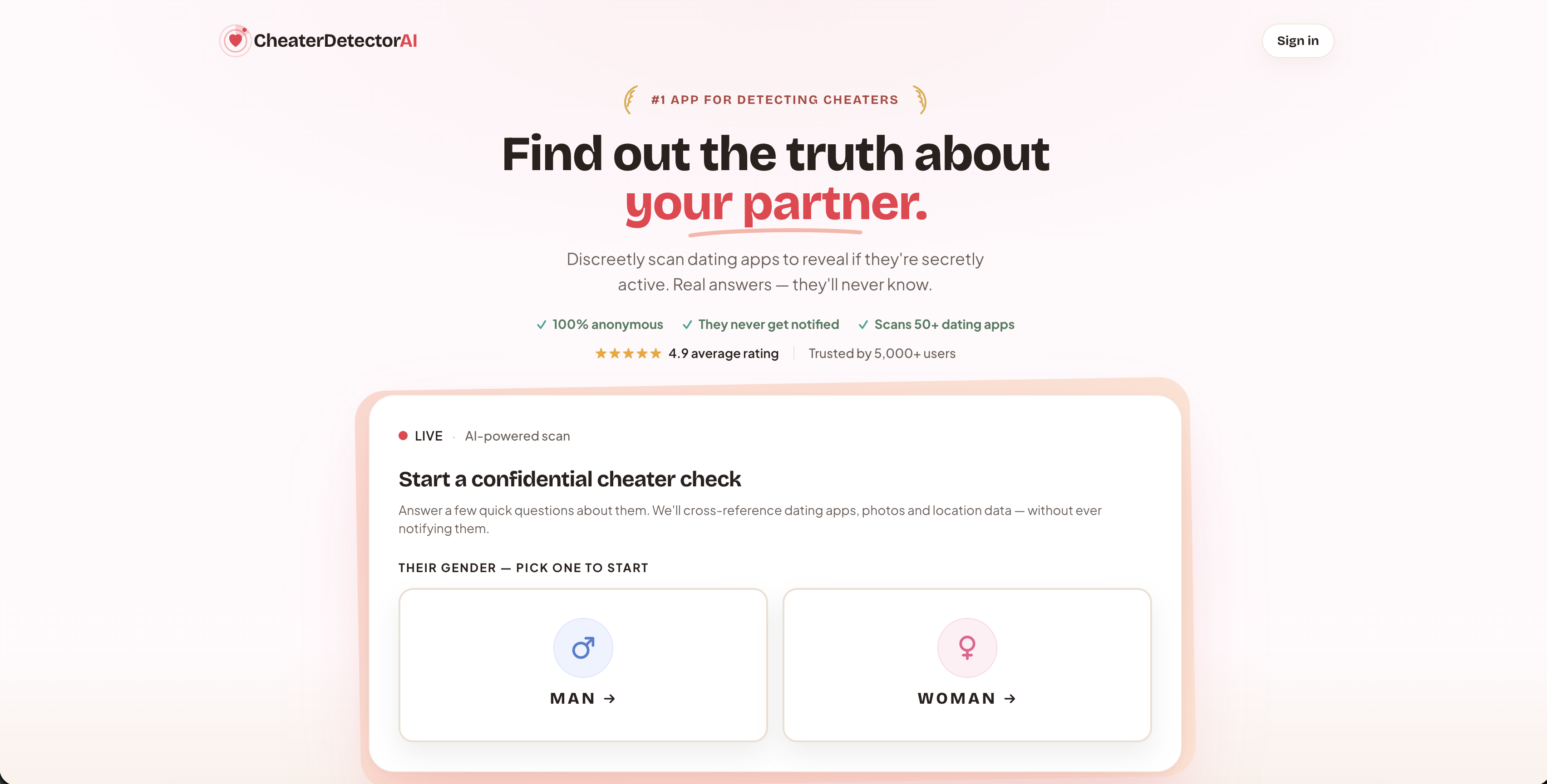
The report comes back with photo-verified matches and activity timestamps, so you are looking at facts, not a guess based on a neighborhood label. It works entirely off public profile information, which keeps the process legal from start to finish. If you only care about one platform, the Hinge Profile Search narrows the check specifically there.
Here is what a scan gives you:
- Anonymous, encrypted search with zero notification to your partner.
- Photo-verified profile matches instead of guesswork.
- Timestamps showing recent activity, not stale data.
Stop staring at one confusing location field and get a real answer instead. Search their name now with a Deep Person Scan, check their profile today with a Partner Check, or get a legal scan started at CheaterDetectorAI right now.
Sources
For direct verification, see Hinge’s Location Settings help page for official guidance on display and edits, and TechCrunch’s report on the KU Leuven research into location vulnerabilities and the fixes that followed.
- Location Settings — Hinge help
- Bumble and Hinge allowed stalkers to pinpoint users’ locations down to 2 meters, researchers say — TechCrunch
FAQ
Does Hinge update your location if you don’t open it?
No. Hinge only changes your saved location when you manually open the app and update it through the edit profile flow, according to Hinge’s help documentation. Traveling or moving without touching that setting will not change what your profile displays.
Does Hinge use your actual location?
Hinge displays a neighborhood or area name, not your exact address or live GPS position. That value is either pulled from your device’s GPS when you use the compass option or typed in manually, and it stays fixed until you change it again.
Can you fake a location on Hinge?
Yes. Hinge lets you manually type a city, neighborhood, or ZIP code, or drag a pin anywhere on the map, and whatever you save is what shows up on your profile. There is no verification step checking whether the entered location matches where you actually are.
Does Hinge show your active location?
No, Hinge does not show a live or continuously updating location. It shows a static neighborhood or area label from the last time the location field was saved, which is why a mismatch usually points to an old setting rather than real-time tracking.