%20scale(1.05)%20translate(-12,-14.25)'%3e%3cpath%20d='M12%2021s-7.5-4.7-7.5-10.2A4.3%204.3%200%200%201%2012%207.5a4.3%204.3%200%200%201%207.5%203.3C19.5%2016.3%2012%2021%2012%2021Z'%20fill='%23F0384A'%3e%3c/path%3e%3c/g%3e%3c/svg%3e)

A Rose is Hinge’s premium like. It jumps your profile straight to the top of someone’s Likes You screen and tells them you’re not just swiping around, you spent something scarce to reach them. You get one free Rose every week, and Standouts profiles only accept Roses, not regular Likes. Use a Rose when you can pair it with a real comment about their profile, not just to feel like you’re doing something.
TL;DR:
- Sending a Rose places your profile at the top of someone’s Likes You screen and signals genuine interest, making it stand out from regular likes.
- Only one free Rose is available per week, and it does not roll over if unused, so it should be reserved for profiles that truly deserve higher priority.
- Using a Rose with a specific comment significantly improves reply rates compared to sending a plain Rose or a standard like.
- Roses are mandatory for interacting with Standouts profiles, which are already popular and require more deliberate selection.
- Avoid wasting Roses on profiles with little information or that don’t genuinely interest you to maximize their value and response potential.
What Hinge Roses Are and How They Actually Work
A Rose does two things at once, and understanding both is the whole game.
First, it’s placement. A normal like sits in a stranger’s queue with dozens of other faces. A Rose pushes you to the top of their Likes You screen, so you’re the first thing they see, not the fortieth.
Second, it’s a signal. This is where a little bit of behavioral science actually helps you understand your dating app. Signalling theory is the idea that a costly action is more believable than a cheap one. Anyone can tap “like” a hundred times a day. You only get one free Rose a week, so when you spend it on someone, that person’s brain registers it differently. It reads as “this person actually picked me,” not “this person is just working through their queue.”
Here’s what a Rose does not do:
- It doesn’t make you more compatible with someone.
- It doesn’t fix a weak profile or bad photos.
- It doesn’t guarantee a match. It just guarantees you get noticed.
Roses amplify whatever your profile already says. If your profile isn’t saying much, a Rose just gets a mediocre profile seen faster.
Where to Find Your Roses in the App
Before you send anything, check what you actually have available.
- Tap your profile photo to open the Profile Hub. This shows your available Roses and Boosts in one place.
- Watch for the Rose icon during the normal outgoing like flow. Hinge will show you if you have one ready to send.
- Remember purchased Roses sit in your account until you use them, but free weekly Roses don’t stack. If you skip a week, you don’t get two the next week.
How to Send a Rose from Discover
Sending a Rose takes seconds once you know where the button is.
- Tap the heart on a specific photo or prompt answer, not just the profile as a whole.
- Write a short, specific comment if you have one. Something tied to what you actually liked works far better than “hey” or “cute dog.”
- Instead of tapping the standard Send Like button, tap the Rose icon.
Comments matter more than people think. Dating coaches and journalism explainers have noted that a Rose paired with a comment tends to pull noticeably better reply rates than a bare Rose with no message.
Pro Tip: If you can’t think of anything specific to say about the profile, that’s usually a sign you should hold onto the Rose. Save it for someone whose profile actually gave you something to respond to.
Standouts Explained: Why You Need a Rose There
Standouts is a separate feed inside Hinge built around profiles the app has flagged as getting a lot of attention. You can’t send a regular like here. Interacting with a Standouts profile requires a Rose, full stop.
That rule exists because Standouts profiles are already popular, so Hinge uses Roses as a filter to cut down on noise for them. It also means you’re competing harder than usual.
- Standouts refresh daily, and a lot of users see overlapping profiles, so competition for that one free weekly Rose gets real fast.
- Standouts also tend to be weighted toward people you’re likely to find attractive, not necessarily people who are likely to like you back. That one-sided pull is exactly why you shouldn’t burn a Rose on autopilot.
- Prioritize the Standout that actually lines up with your interests, and always try to attach a comment when the app allows it.
Treat Standouts like a highlight reel, not a shopping list. Scroll through, pick the one profile that genuinely stands out to you, and spend your Rose there instead of on the first face that pops up.
When to Send a Rose: A Quick Checklist
Not every match deserves a Rose. Here’s how to decide fast:
- Send it when a regular like would get buried. If someone clearly gets a lot of likes, a normal like might never surface. A Rose jumps the line.
- Send it only when you can attach something specific. A generic Rose with no comment is barely better than a regular like.
- Skip it on a thin profile. If someone has one photo and no prompts answered, save the Rose for someone who gave you more to work with.
- Skip it if you’re only sending it to “not lose” someone you’re lukewarm on. A Rose spent out of anxiety instead of genuine interest usually wastes your one shot for the week.
One dating strategy guide frames it simply: think of your free Rose as roughly 52 per year, not an unlimited resource. Spend a few weeks testing your free Rose before you consider buying packs. If you notice it consistently gets you better replies, that’s your signal purchased Roses might be worth it. If it doesn’t move the needle for you personally, don’t pay for more.
Pro Tip: Keep a mental note of which Rose comments actually got a reply. After a month, you’ll know exactly what kind of comment works on your profile specifically, not just what some guide says works in general.

Free Roses, Purchased Roses, and What They Cost
The rules here are simple, and worth knowing before you spend anything.
- You get one free Rose every week, and it does not roll over if you don’t use it.
- Purchased Roses never expire until you actually use them, so buying a pack isn’t a use-it-or-lose-it gamble.
- Pack pricing varies by size and by region, so check current pricing inside the app before assuming a number.
Think of that weekly Rose as a small annual budget instead of a throwaway extra. Fifty-two shots a year adds up, but only if you’re not tossing them at every match.
How Roses Differ From Likes, Boosts, and Other Hinge Tools
Each feature solves a different problem, and mixing them up wastes money.
- Like: standard entry into someone’s Likes You queue. No priority, no icon, just one more face in the pile.
- Rose: top-of-queue placement plus a visible rose icon marking it as a stronger signal.
- Boost: raises your visibility to a large pool of users for a short window. This solves a totally different problem than a Rose, since you’re trying to get seen by many people, not one specific person.
- Most Compatible and Enhanced Recommendations: these are matchmaking tools built around mutual fit, better suited to finding matches than to targeting one profile you’ve already spotted.
If your goal is “get this one specific person to notice me,” a Rose is the tool. If your goal is “get more eyes on my profile in general,” that’s a Boost’s job.
A Straight Take on Roses and What They Can’t Tell You
Roses are a targeted tool, not a magic trick. Use one when you’re genuinely willing to start a real conversation, not just to see what happens.
Here’s the part that matters more than any Rose strategy: spyware, hidden tracking apps, and reading someone’s private messages without permission are illegal. Installing that kind of software on a partner’s phone can get you prosecuted, not just the person you’re checking on. It’s not worth the risk, no matter how anxious you feel.
If you genuinely need to know whether someone has a public dating profile, there are ways to check that don’t involve touching anyone’s phone.
— Oleg
A Private Way to Check if Your Partner Is on Hinge
If you’re stuck refreshing your partner’s phone in your head instead of sleeping, you don’t need spyware, you need a real answer. There are services that only check publicly available dating profiles, without phone access, installing software on devices, or notifying the person you’re checking on.
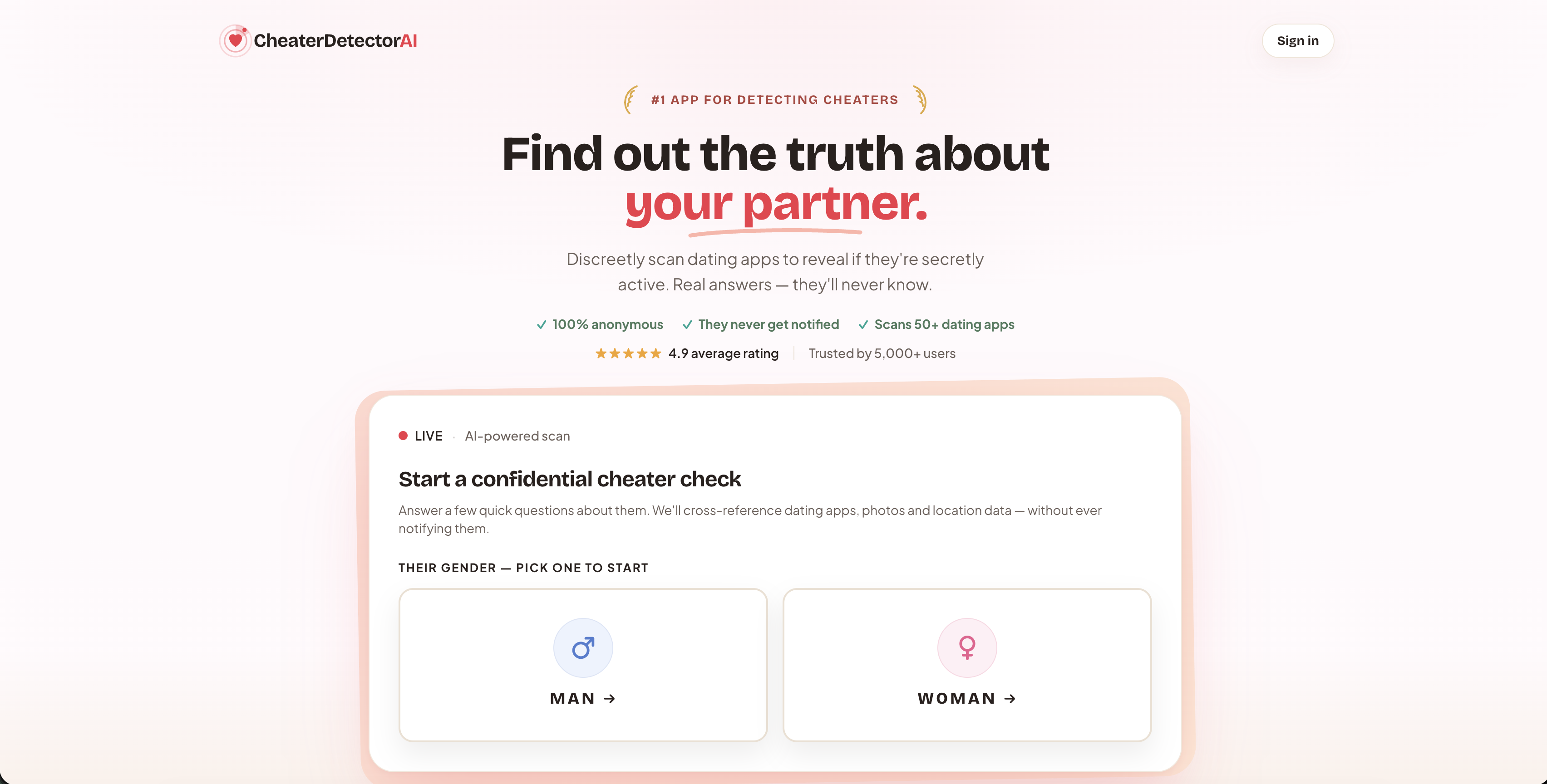
You provide minimal information, such as a name, a photo, and a rough location, and the service cross-references that against public profiles across popular dating platforms. The report can include photo matches and activity timestamps to help clarify the situation. This works well for the specific worry that’s probably brought you here: a partner who’s been oddly protective of their phone, activity patterns that don’t add up, or you just want to confirm a public profile fast instead of stewing over it for weeks.
If Hinge is the platform you’re worried about, check their Hinge profile today instead of guessing. Or run a full Deep Person Scan now and get a real answer without ever touching your partner’s phone.
Sources
- Roses – Hinge
- Hinge Standouts and Roses coverage — The Verge
- Hinge Standouts: How they work & are Roses worth it — SwipeStats
FAQ
How many Roses does the average person get on Hinge?
Every Hinge member gets one free Rose per week, and it doesn’t carry over if you skip a week. You can buy more if you want extra, and purchased Roses stay in your account until you actually use them.
What is the 8 rule on Hinge?
There’s no official “8 rule” documented by Hinge itself. If you’ve seen it referenced elsewhere, treat it as informal advice from dating coaches rather than a real app feature.
How does Hinge decide who gets shown as a Standout?
Hinge builds the Standouts feed around profiles with strong engagement, and the feed refreshes daily. You can only interact with a Standouts profile by sending a Rose, not a regular like.
Is it worth using Roses on Hinge?
Roses are worth using when you pair them with a specific comment on a profile you genuinely want to meet, since that combination tends to pull better reply rates than a bare like or a bare Rose. They’re not worth spending on thin profiles or matches you feel unsure about, since you only get one free shot a week.